

Expect tiered response time guarantees that distinguish between remote acknowledgment and physical onsite arrival. Critical business outages typically require remote acknowledgment within 15 to 30 minutes, while onsite technician arrival depends on local coverage and severity. Rivell defines these commitments clearly in its service agreements to prevent ambiguity during incidents.
Defining Response Time vs. Resolution Time
Businesses often confuse response time with resolution time, leading to unrealistic expectations during outages. Response time is the duration from ticket creation to the first meaningful action by a technician. Resolution time is the total duration until the issue is fully fixed and verified. A provider may respond in five minutes but require four hours to resolve a complex network failure. Understanding this distinction is critical for setting accurate operational expectations.
Service Level Agreements (SLAs) must specify both metrics separately. If a contract only mentions resolution time, the provider has no contractual obligation to acknowledge the ticket quickly. This gap can leave your team waiting for hours without knowing if help is on the way. Clear definitions protect your business from silent failures.
Standard Response Time Tiers by Severity
Most managed IT providers use a severity-based tiering system to prioritize work. This structure ensures that critical issues receive immediate attention while routine requests are handled efficiently. The following table outlines standard industry expectations for remote and onsite response times.
| Severity Level | Definition | Remote Acknowledgment | Onsite Arrival |
|---|---|---|---|
| Critical (P1) | Complete business outage or security breach | 15 to 30 minutes | 2 to 4 hours |
| High (P2) | Major system degradation affecting many users | 30 to 60 minutes | 4 to 8 hours |
| Medium (P3) | Single user issue or minor system error | 2 to 4 hours | Next business day |
| Low (P4) | General inquiry or feature request | 1 to 2 business days | Not applicable |
These benchmarks align with the guidance found in IT help desk outsourcing frameworks. Providers that cannot commit to these specific timeframes often lack the staffing or tooling to deliver reliable support. You should reject any proposal that claims 24/7 support without specifying response times by priority level.
Remote Triage vs. Onsite Physical Access
Not all issues require a technician to physically visit your office. Remote triage is the initial diagnostic phase where support staff use remote access tools to identify and resolve software or configuration issues. This approach is faster and more cost-effective for the majority of tickets. However, hardware failures, cabling issues, and physical security concerns require onsite intervention.
Local coverage directly impacts onsite response times. A provider based in South Jersey can reach clients in Cherry Hill, Mount Laurel, and Camden significantly faster than a remote-only vendor. Rivell combines remote diagnostics with local onsite support to minimize downtime. When evaluating a provider, ask how many technicians are stationed in your specific region. A large national provider may have a 24/7 call center but no local hands-on staff, resulting in delayed physical repairs.
Contractual Clauses and Escalation Paths
Verbal promises do not constitute legal guarantees. Your service agreement must include specific clauses that define response time obligations and escalation paths. Escalation path is the defined sequence of contacts a ticket follows if the initial technician cannot resolve the issue within the promised timeframe. Without a clear escalation path, tickets can stall in a queue indefinitely.
Look for contracts that specify who receives the escalation notification and what actions trigger it. For example, if a P1 ticket is not resolved within four hours, the agreement should state that the account manager and a senior engineer are notified. Outsourced IT support agreements should also define how third-party vendor dependencies affect response times. If a hardware manufacturer must replace a failed server, the provider's response time clock may pause until the part arrives. Clarify these exclusions before signing.
Measuring and Enforcing SLA Compliance
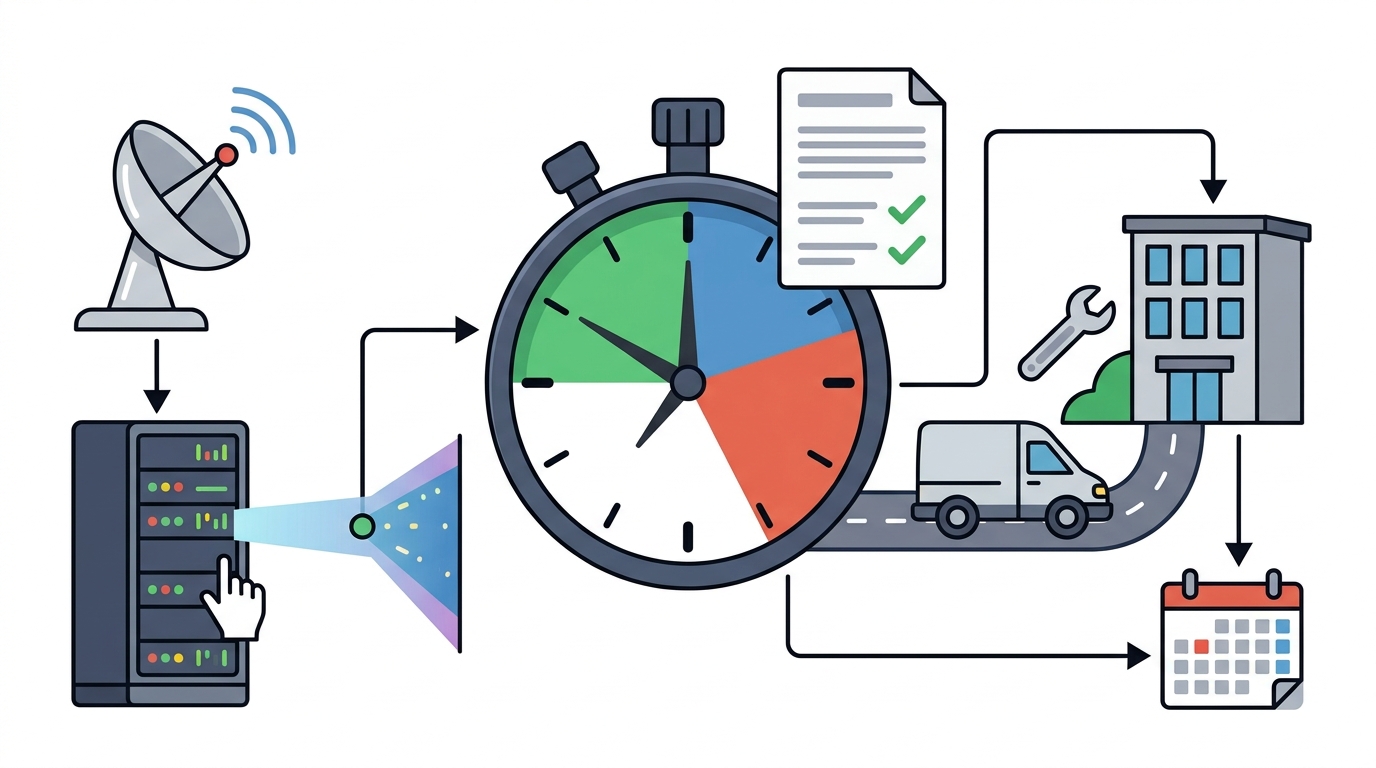
A response time guarantee is only as good as the data that tracks it. You should request monthly or quarterly SLA compliance reports from your provider. These reports should detail the number of tickets by severity, average response times, and any breaches of the agreed-upon timeframes. If a provider cannot produce this data, they are not measuring their own performance.
Enforcement mechanisms vary by contract. Some agreements include service credits for missed SLAs, while others rely on relationship management. Rivell provides clear service accountability through ticket-based issue tracking and reporting. Regular reviews of these metrics ensure that the provider remains aligned with your business needs. If response times consistently degrade, you have the contractual basis to demand corrective action or terminate the agreement.
Key Takeaways
- Response time and resolution time are distinct metrics that must be defined separately in your SLA.
- Critical outages typically require remote acknowledgment within 15 to 30 minutes.
- Onsite arrival times depend heavily on the provider's local technician coverage in your region.
- Escalation paths must be explicitly defined to prevent tickets from stalling during complex issues.
- Request monthly SLA compliance reports to verify that the provider meets its contractual obligations.
- Reject proposals that claim 24/7 support without specifying response times by priority level.
Frequently Asked Questions
What is a standard response time for critical IT outages?
Standard remote acknowledgment for critical outages is typically 15 to 30 minutes. Onsite arrival for critical issues usually ranges from 2 to 4 hours, depending on local provider coverage.
Does response time include the time to fix the issue?
No. Response time refers to the initial acknowledgment and start of work. Resolution time is the total duration until the issue is fully fixed. These are separate metrics in most SLAs.
How does local coverage affect onsite response times?
Providers with local technicians in your area can arrive faster than remote-only vendors. A provider based in South Jersey can reach South Jersey clients significantly quicker than a national provider without local staff.
What should I do if a provider misses an SLA?
Review your contract for service credits or corrective action clauses. Request a root cause analysis and a plan to prevent recurrence. Consistent misses may justify terminating the agreement.
Can I negotiate response time guarantees?
Yes. You can negotiate tighter response times for specific critical systems or business hours. However, tighter guarantees may increase the monthly service fee due to higher staffing requirements.
What is an escalation path in an IT support contract?
An escalation path is the defined sequence of contacts and actions triggered when a ticket is not resolved within the promised timeframe. It ensures that unresolved issues receive higher-level attention.
Conclusion
Response time guarantees are the backbone of a reliable IT support relationship. By defining severity tiers, distinguishing between remote and onsite commitments, and enforcing compliance through data, you can protect your business from prolonged downtime. Contact Rivell to discuss how their local New Jersey support team can meet your specific response time requirements.